New in 1.1
Saves on every stop
Stopping the server shuts it down properly, so V Rising saves the world first and players log back in where they left. Scheduled and daily restarts work the same way.
Restarts
Scheduled & daily restarts
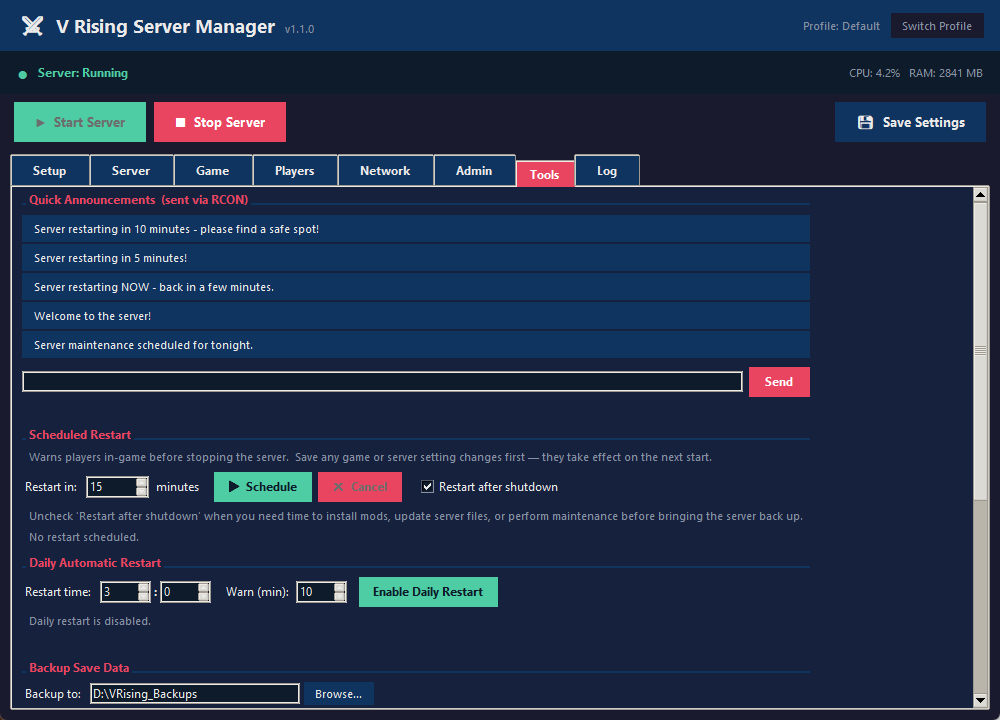
Restart in a set number of minutes, or every day at a set time. Players get in-game warnings at 10, 5, 2 and 1 minute out.
Backups
World backups
Back up the save on demand or on a schedule, to any drive or a cloud-synced folder like OneDrive or Google Drive. Choose how many to keep.
New in 1.1
Connection Check
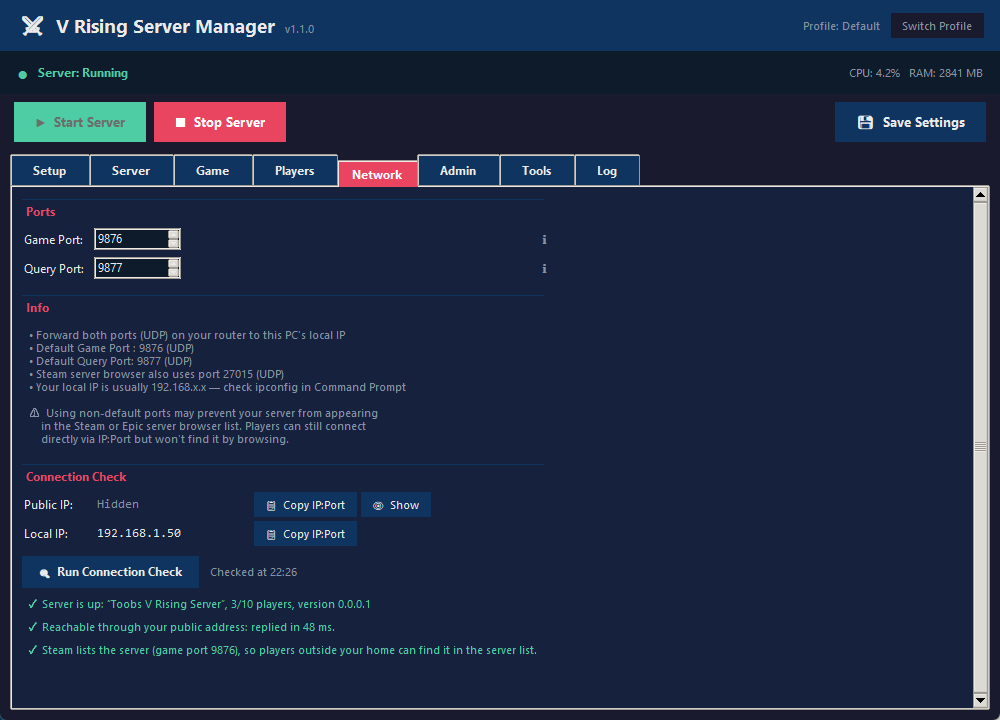
One click tells you whether the server is answering, how fast it answers from outside, and whether Steam's server list has it. Each result says what to fix.
Settings
Game settings, no config files
Player limits, PvP, day and night length, XP and resource rates, castle decay and more, with sliders and plain-English tooltips.
Setup
Install & update with SteamCMD
Download the dedicated server from scratch or update an existing one from inside the app. It stops the server safely first.
Admin
Players & admin tools
See who's been on, make admins, kick or ban, and send announcements or RCON commands.
Profiles
More than one server
Give each server its own profile, or run one copy of the manager per server at the same time.